


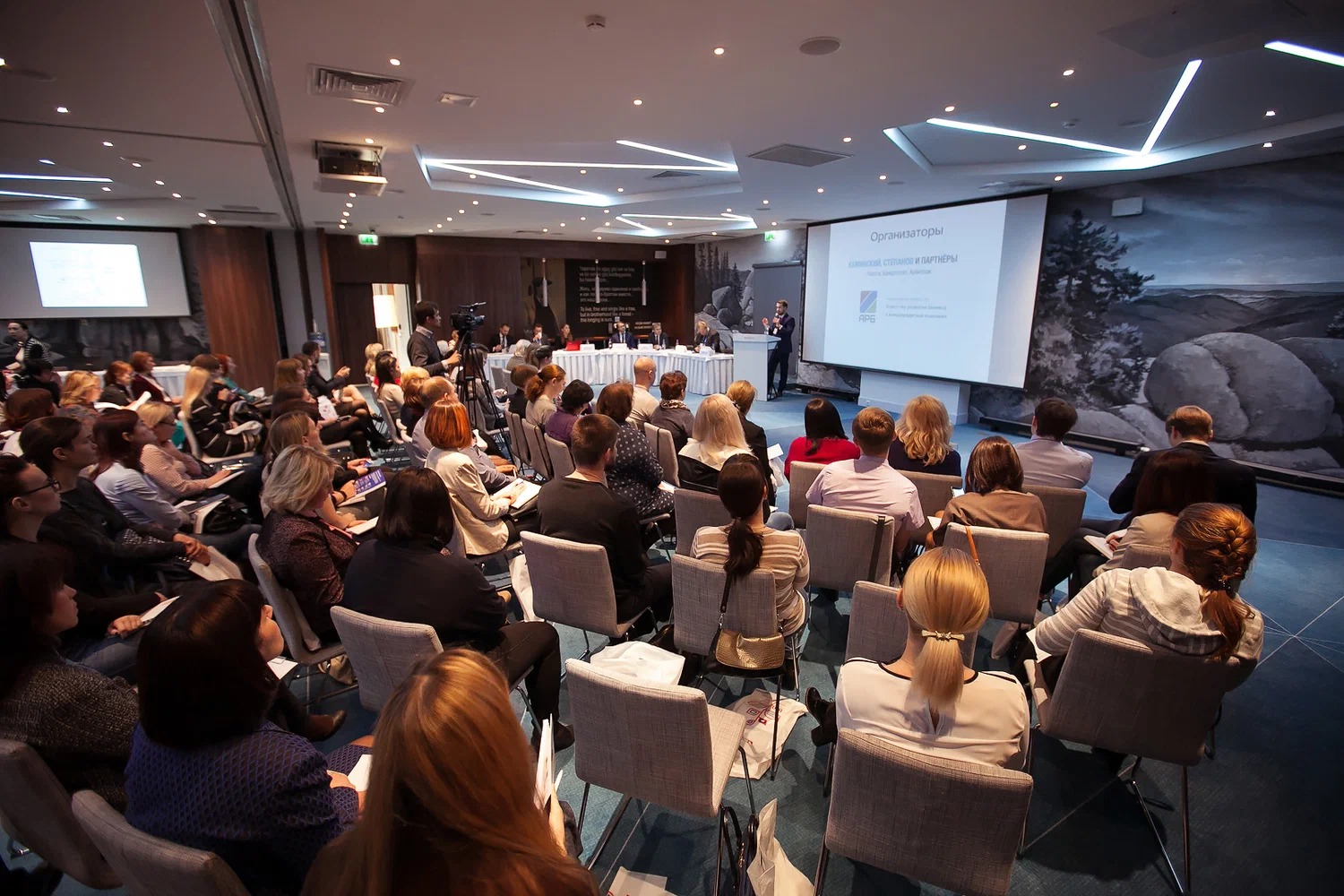
Run the numbers on any big conference and they get uncomfortable fast. One photographer can finish a single day on the floor with thousands of frames, and most of them never reach the person actually in the shot. They end up buried in a drive nobody wants to dig through, or they surface in an inbox two weeks later, long after anyone stopped caring.
Let's Magic is our fix for that, a platform we developed with Cubitrek. It works out who is in every shot and routes each photo to the right guest on its own, often before that guest has even left the building.
The Problem We Kept Hitting
Put 1,000 people in a hall and your shooters will leave with something close to 20,000 frames. Until now a planner could do one of two things with that pile, and neither was any good: drop the lot into one open album and leave every guest scrolling past thousands of strangers, or sit someone down for a week to sort it by hand. We run events across the UAE and Saudi Arabia, and we have watched that delay quietly drain the energy a strong event had just built.
So we set three rules for the build, with Cubitrek handling the engineering: no sorting by hand, nothing that treats a guest's privacy as an afterthought, and a handoff smooth enough that the planner, the photographer, and the guest barely notice it happening.
From Camera Card to Guest's Phone
None of this asks your guests to install anything or make an account. It sits on top of the way you already run an event.
Build the Guest List First: You set up the event and bring in your attendees as a spreadsheet, each row carrying a name, a company, a way to reach them, and one clear headshot facing the camera.
Drop In Your Cards: Shooters offload straight from their memory cards, during the event or after, and if the same card goes in twice the repeats are ignored.
Hand It to the Face Matching: The software then works through every face it can find, quiet portraits and packed group shots alike, lining each against the headshots you gave it, and clears roughly 20,000 photos in about 8 minutes.
Release the Galleries: Everyone it recognizes lands in a folder under their own name, and the moment you press send they get a WhatsApp note and an email carrying a private link to their set.
Keep shooting as the day runs on and the folders refill themselves, with a second message going out so guests know more photos are waiting.
The Parts That Matter on the Day
Only the Shots They're In: Nobody wades through the full album. Each guest meets their solo frames first, then the group and background ones where they turn up further back.
Straight to the Browser: The link opens full-size images in whatever browser is already on the phone, so a guest can grab one favorite or pull the whole set down in a single tap.
Watch It Land in Real Time: You can see where every guest sits, waiting, sent, or opened, and resend in one click when a number or address turns out wrong.
Twins Handled With Care: Each face goes to its single closest match so two similar guests never get swapped, and the last word stays yours: open any folder and pull anything that landed in the wrong place.
Private Unless You Decide Otherwise: The only way into a gallery is that guest's own link, and you can set the whole event to erase itself after however many days you choose.
Made for the Big Rooms
This was built for scale from the first line of code, the kind of day where tens of thousands of photos meet a room of hundreds or thousands of people, at expos, conferences, and corporate showcases. It is running Meydan Free Zone's gathering of 1,000 on November 17. Hand someone a crisp photo of themselves while the lights are still up and they tend to post it right there, which carries your name well past the walls of the venue.
Want your guests walking out with their photos already in hand? Bring Let's Magic to your next event through Let's Media Solution.
We’re here to assist you with your inquiries.

